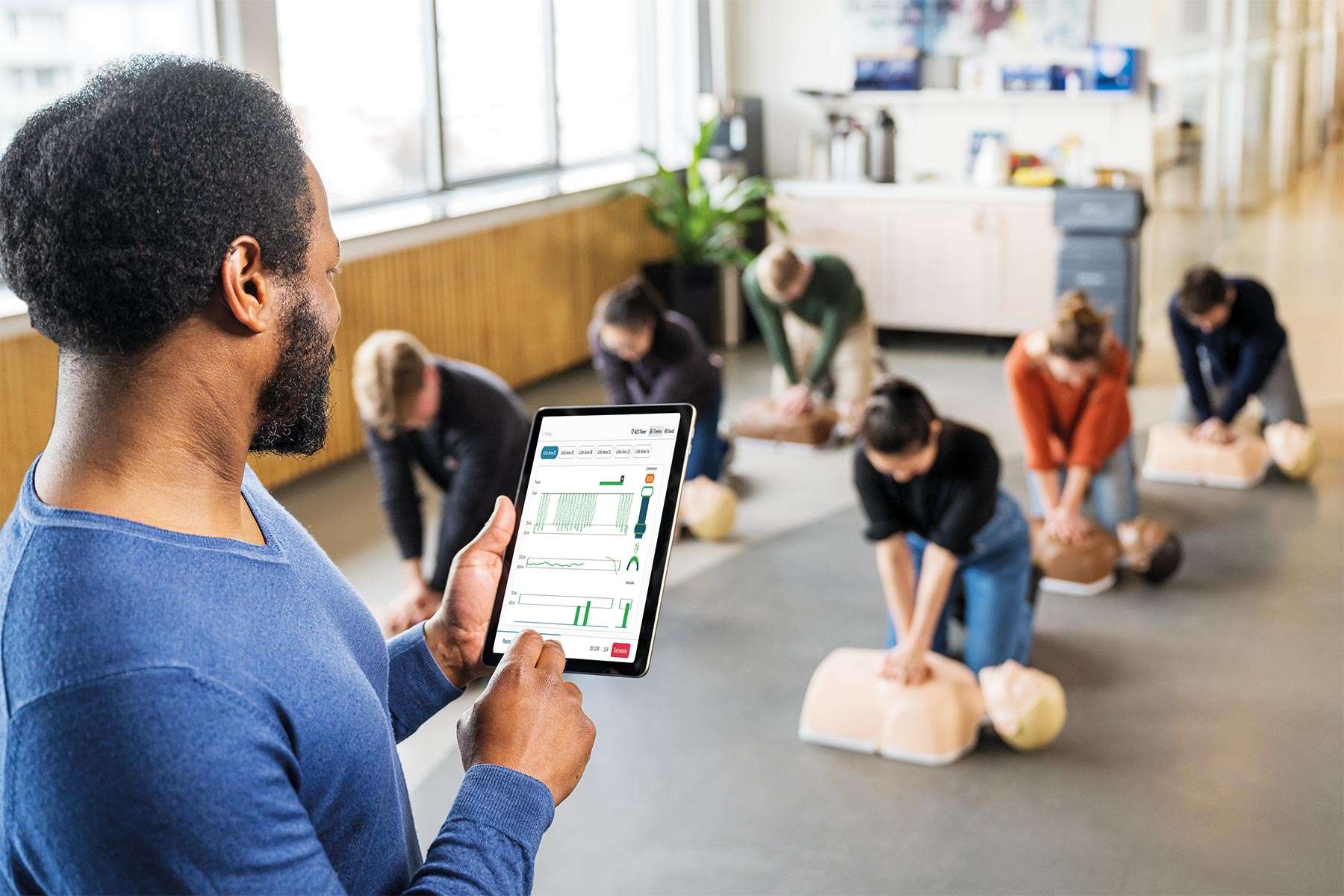
VIDEO: The best way to end a CPR training session: With a race
1:16
We know CPR training creates lifesavers. But for years it has been a challenge for instructors to provide accurate and objective feedback on students performance. Until now.
Little Anne QCPR is now available with a gaming element and feedback technology. This helps instructors improve both CPR training quality, classroom efficiency and learner engagement.
Whether you're a healthcare professional, student, or instructor, the QCPR app makes it easy to train and improve your basic life-saving skills. Get real-time feedback, in-depth reporting, and support for Laerdal AED Trainer - all in the palm of your hand. (app store + google play buttons)


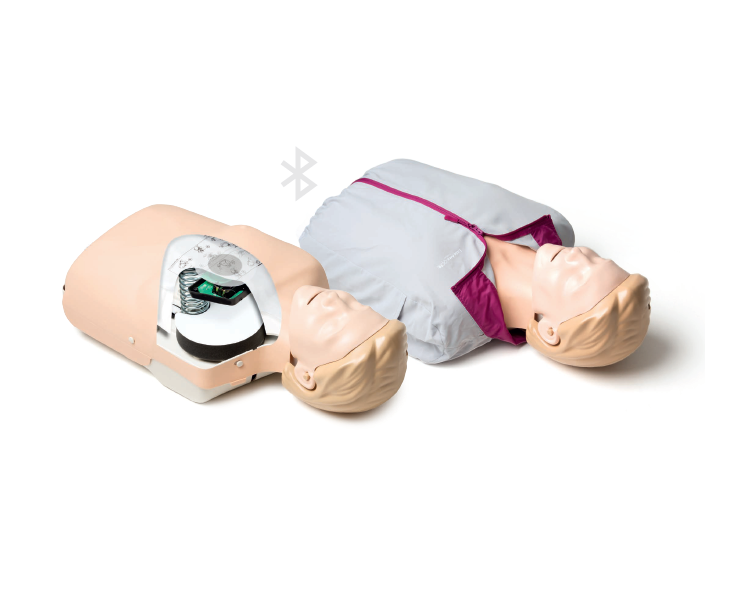
Correct manikin anatomy
Life-like anatomy
Perform nose-pinch, head tilt, chin lift and jaw thrust to see chest rise. Anatomically correct oral and nasal passages.
Correct pressure
See and hear that compressions are done correctly. A built-in clicker signals when the correct compression depth is achieved.
Quick & easy maintenance
Clean-up is easy with disposable lungs and removable faces. Made with Laerdal’s patented design and materials; it’s built to last.
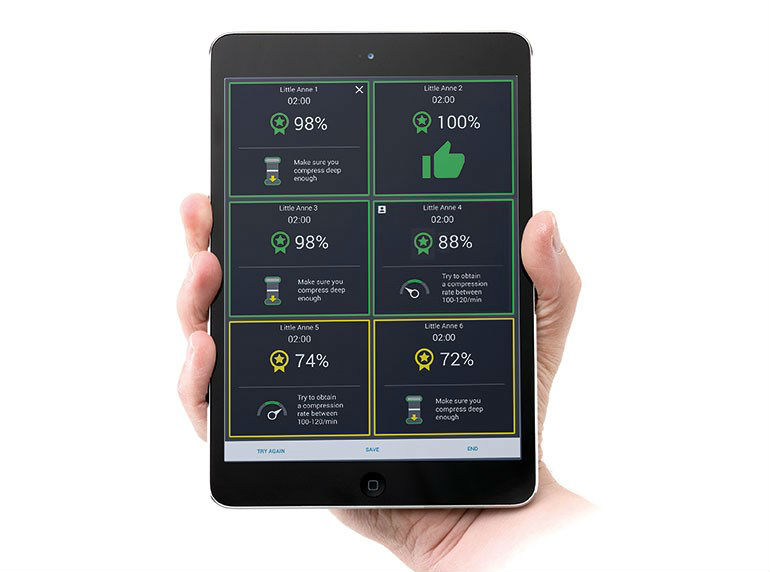
Guidelines compliant apps for quality learning
Real-time CPR feedback
Check how every learner is performing with feedback on depth, release, rate and ventilations.
Intelligent scoring and guidance
Give every learner tips on performance and improvements with intelligent scoring functionality. Motivate learners to go from from “passed” to perfection.
QCPR race competition
Finish every training session with an informal and fun QCPR race. Let learners experience what it’s like to perform CPR in high-tension situations with adrenaline flowing.
Rock solid connection
Connect every manikin to the instructor app with stable and reliable one-click Bluetooth Smart connection. Built-in tutorials and how-to videos.
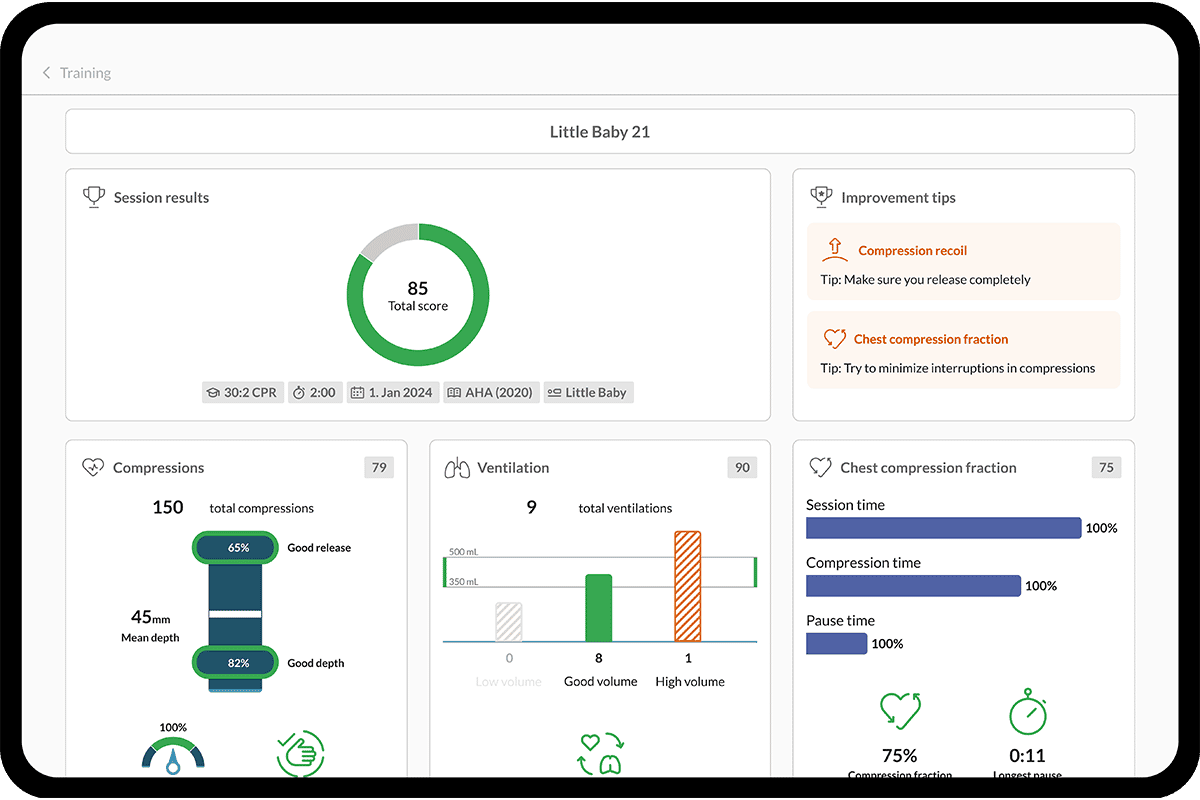
One app to control and get feedback from QCPR manikins and Laerdal AED Trainers. Available on the App Store and Google Play
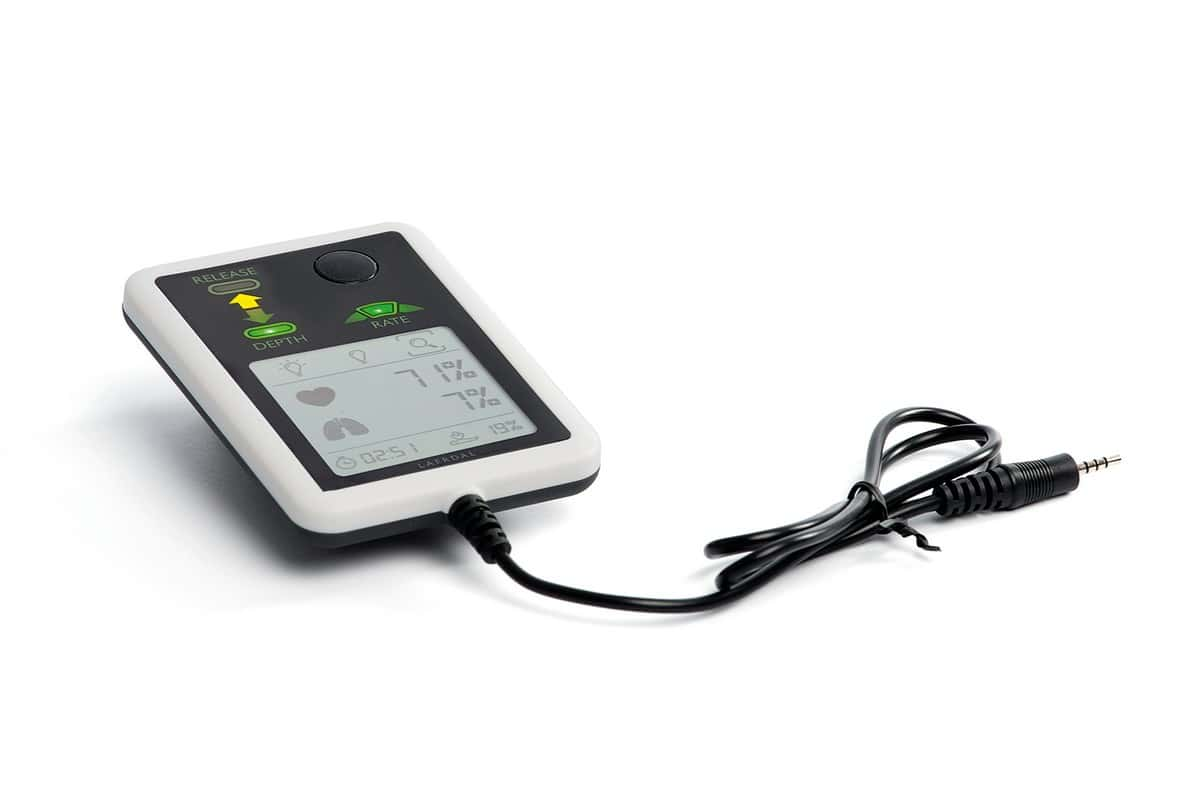
A small, portable, and lightweight plug-and-play feedback device.
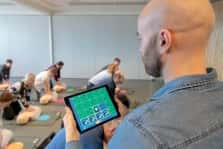
Connect and control up to 42 learners in one training session.
QCPR App has been developed as a cross-platform application: This means that the application is supported on a variety of platforms and operating systems.
To enjoy the best experience while using QCPR App, please see below our recommended device configuration.
| Platform | Operating System (OS) |
| Android | Android 10 and above |
| iOS | iOS 13.0 and above |
| Windows (in development) | Windows 10 (version 1903) and above |
*Note that Android GO, Chrome OS and Windows 10 Mobile are not supported.
This article contains a list of devices which paired successfully during product development. It is not exhaustive as many more devices are supported.
QCPR App will work on all types of phone size, but for an optimized experience, we recommend a screen size of 6.1” and a minimum resolution 1792*828 pixels.
It is recommended to have Bluetooth enabled and use version 4.2 or higher to connect to your manikins. To know more about permissions needed for QCPR App, please consult this article.
We recommend your mobile device to have at least 3 GB of RAM and some storage space available (at least 250 MB).
Additionally, your device will need to have a good GPU (graphical power) and CPU (processing/calculation power) for the app to work smoothly.
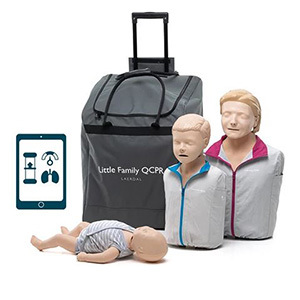
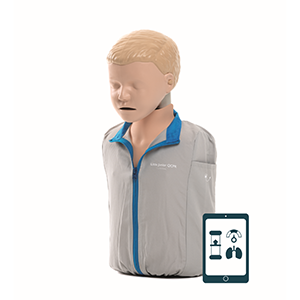

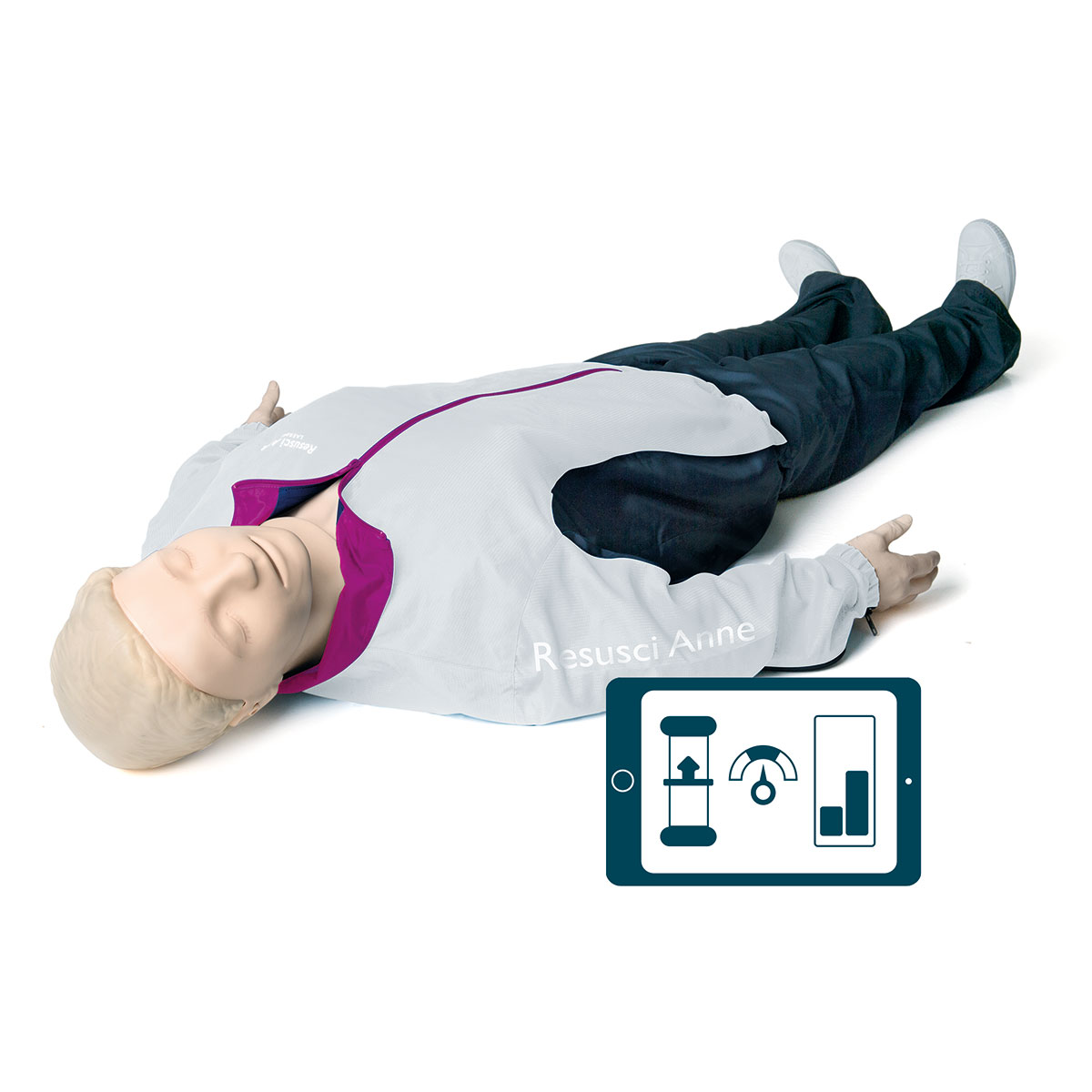
Upgrade your old Little Anne to include QCPR feedback technology.
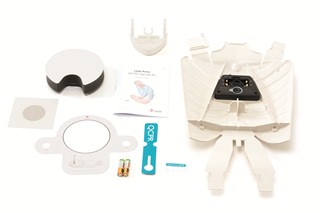
Old manikin? no problem.
You can now upgrade your old Little Anne to include QCPR feedback technology.
Available for models manufactured after February 1999.
Laerdal's QCPR solution combines robust hardware with the powerful QCPR App to make CPR training efficient and engaging.