Diversifying Healthcare Simulation Through New Mobile Technologies
Customer Story
Customer Story
In healthcare education, new technologies play an essential role in addressing the lack of trainers, time, or dedicated spaces. Innovation enables the implementation of diverse training and simulation experiences that closely mirror reality, offering learners the opportunity to develop the specific competencies necessary for their professional journey.
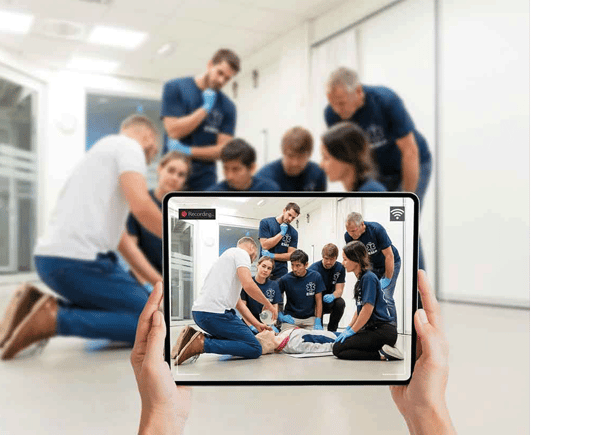
At the simulation center of the Regional Training Institute (RTI) at the University Hospital Center (CHU) of Reims (France), the use of SimCapture Mobile Camera has transformed the way simulations are conducted, allowing for great flexibility and unprecedented scenario realism.

The Regional Training Institute (RTI) of the Reims University Hospital in France accommodates 1,200 students from 12 schools, including ambulance drivers, nursing assistants, medical regulation assistants, nursing care, health managers, childcare workers, midwives, and physical therapists. The center supports both initial and ongoing training and offers a wide and varied range of simulation, including multidisciplinary simulation involving various schools.
The Challenge
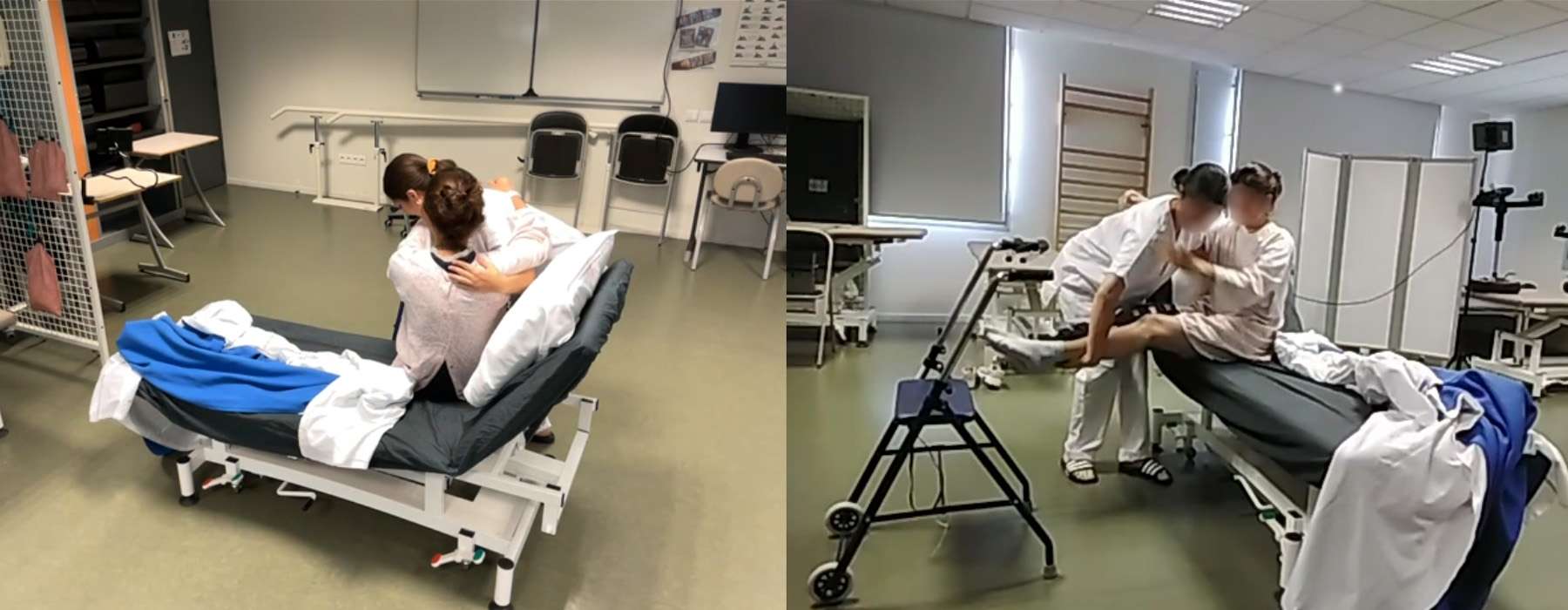
The Simulation Center at CHU de Reims in France caters to the needs of various disciplines, sometimes requiring specific equipment or simulation settings — ambulance, in situ simulation, outdoor, simulations needing a scanner, apartment reconstruction, physical therapy office with massage tables that are hard to move, etc. These conditions require complex logistics and organization – within a limited timeframe driven by the high frequency of simulations.
Ultimately, the realism and relevance of the scenarios offered by the Regional Training Institute were limited by material constraints.
- Eric Mahut
Hospital Engineer, Digital Manager

The Solution
The simulation center was already equipped with the SimCapture solution, installed in several rooms with a compatible audiovisual system, and used with a simulator provided by Laerdal Medical.
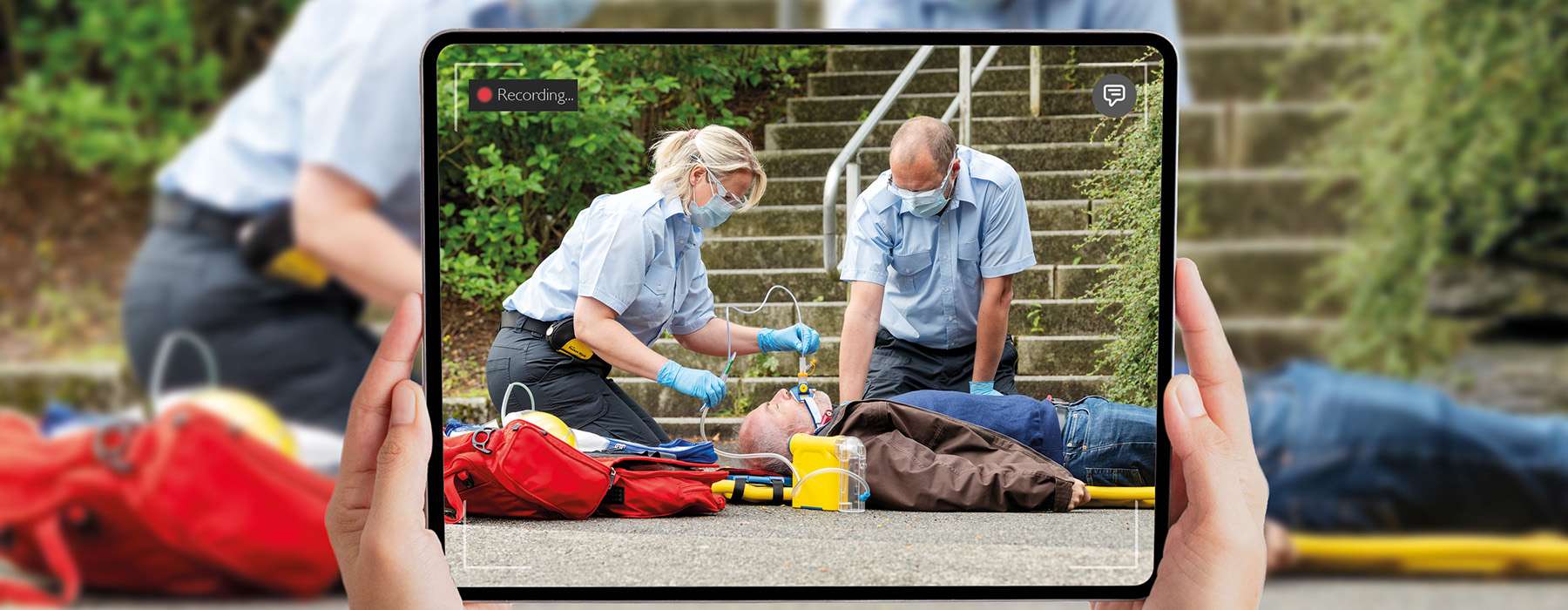
This is where SimCapture Mobile Camera comes in: a video streaming app which, when used with a SimCapture account, turns any smartphone or tablet into a portable camera. Ideal for transport scenarios, as well as on-site and in-situ simulations, it provides full access to SimCapture Cloud features and is available on Android and iOS.
“The mobile app was introduced to us during training by the Laerdal educator,” Eric Mahut recalls. “The training managers immediately became very interested in the mobility it offered: the simulation center would now be able to move into the practical skills rooms. It opened up many possibilities we didn’t have before.”
In addition to the rooms equipped with fixed SimCapture audio-video systems at the simulation center, instructors and learners can now use the mobile solution to capture their simulations in environments that best suit the scenarios– for example, in practice rooms for physical therapy students, or outdoors at night for paramedic training. Eric recalls one memorable simulation, “with car headlights in the middle of winter at midnight, even one in the morning [...]. It was spectacular, with the ambulances and the flashing lights...”
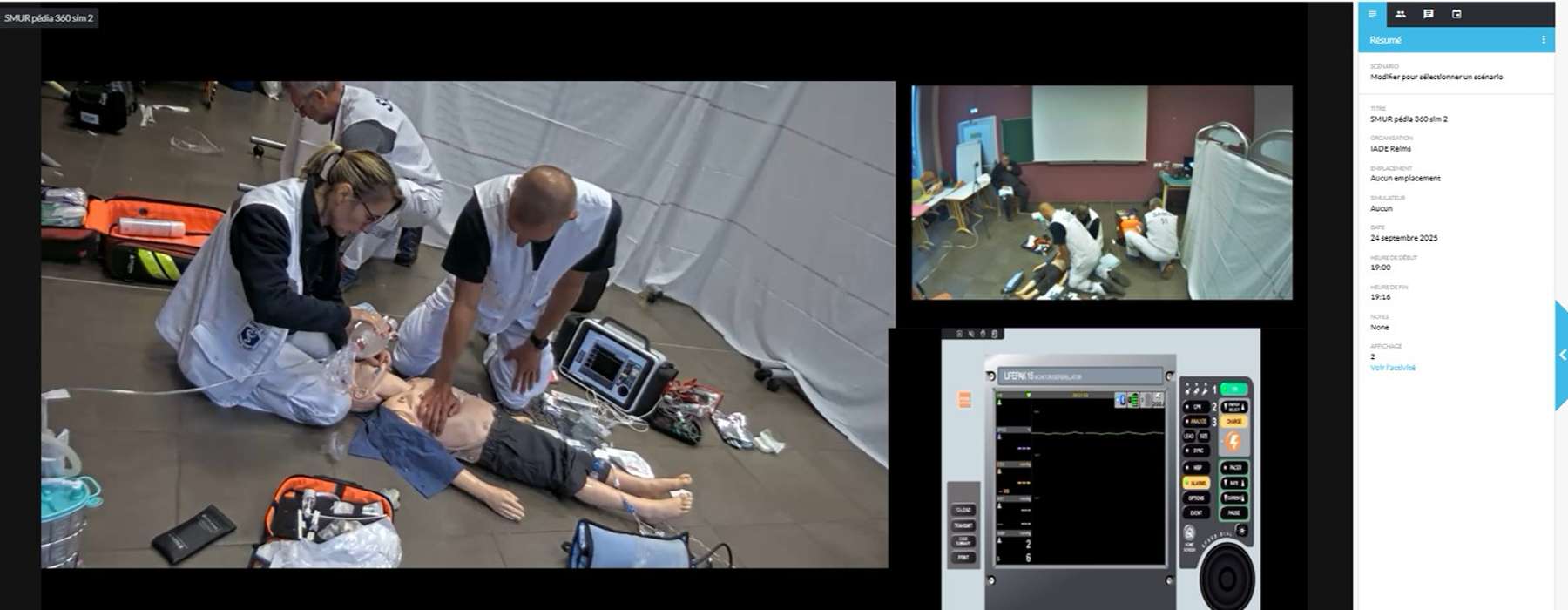
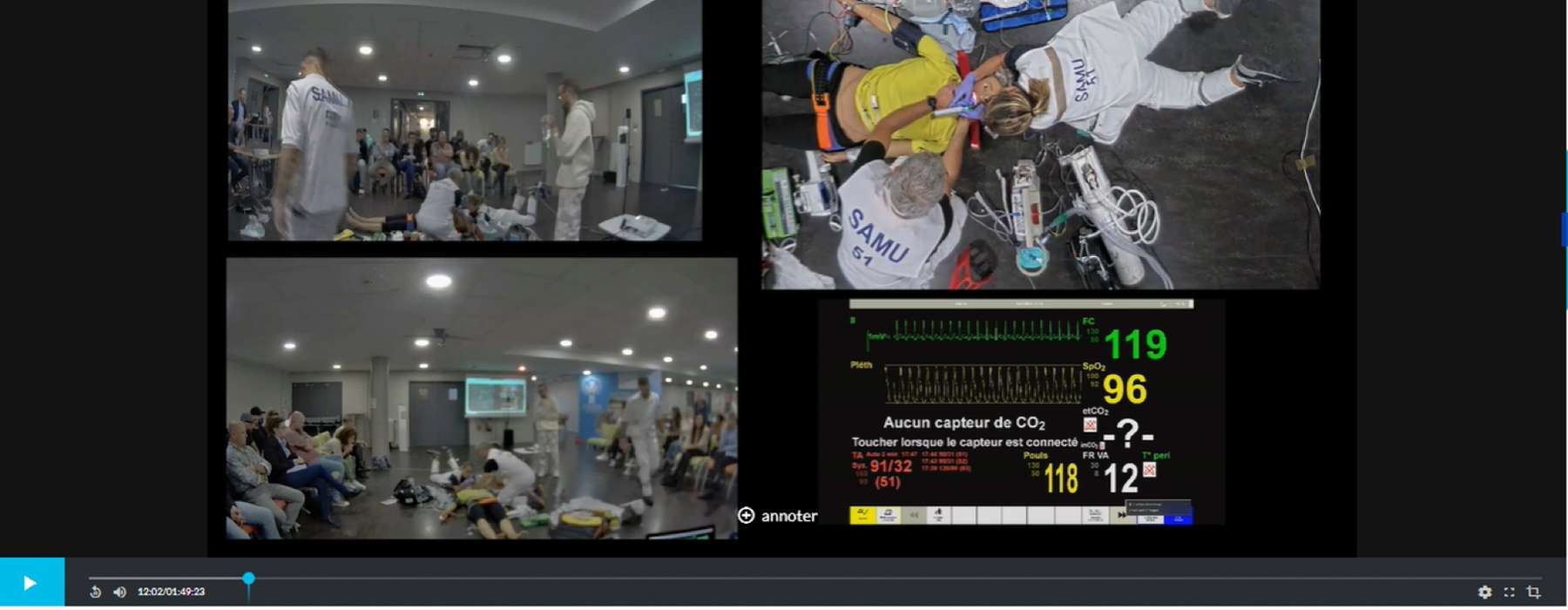
Other types of events, such as the “360 Blocks,” developed following the model of the French Society of Anesthesia and Resuscitation, also benefit from the mobile solution. During these “360 Blocks,” a mobile emergency and resuscitation units intervention is simulated and streamed live into an auditorium, with camera angles and zooms allowing the audience to observe the simulation more closely.
Not only does SimCapture Mobile Camera enable various and realistic simulation scenarios, but it also provides a solution to the logistical problems that sometimes prevent sessions from being carried out effectively. As Fabien Chardain, Health Manager, Trainer at the School of Anesthetist Nurses at the CHU of Reims and Coordinator of the RTI Simulation Center, highlights: “SimCapture Mobile Camera offers a simplicity and flexibility that are truly valuable. It’s quite exceptional—there have been times when too many people wanted to record simultaneously in the simulation center. In those cases, we were able to quickly set up what was essentially a new simulation room thanks to two iPads. […] Any room can be turned into a simulation room—there’s virtually no limit.”
Beyond its flexibility, SimCapture Mobile Camera provides an intuitive user interface that allows instructors to create and manage various simulation scenarios without requiring advanced technical skills.
“It works extremely well because it allows them to stay in their practical training room. It's much easier for them to organize, without adding many technical constraints.”
- Eric Mahut
Hospital Engineer, Digital Manager
The Regional Training Institute has also chosen to offer this solution for more autonomous use by students, preferring a secure system over the risk of students "walking around with recordings from operating theaters, whether for training or who knows exactly what," explains Eric. “This solution is perfectly secure, and we present it as such. The IT administrator must add the device that will be used [...] to place it in the virtual room and thus authorize it to capture video. This greatly secures the system. Thus, students whose mobile devices have been paired with the system by the administrator can work independently, without the need for the intervention or supervision of an educator – opening new possibilities in terms of training frequency and peer-to-peer learning.”
SimCapture Mobile Camera offers technical superiority compared to third-party online collaboration platforms: “The solution stands out completely from streaming tools like Zoom or Meet, thanks to its high image quality and realistic sound,” Eric points out. “Before we were able to use this solution at the institution, we sometimes used Zoom and streamed it into a nearby room, but there were small delays and some interference. With SimCapture Mobile Camera, we have true, high‑quality real-time streaming. And it can be broadcast into as many rooms as we want, because it’s cloud‑based. It’s extremely convenient.”
Moreover, hosting in a European cloud (Amazon Web Services in Germany) ensures secure and confidential storage of recorded data, fully compliant with strict local data‑protection regulations.
The Results
The results speak for themselves. The SimCapture Mobile Camera solution has been widely adopted and received very positive feedback. “We went from something that was almost a gadget and that we didn't know how to use, to something that has now become essential for the simulation center. It's really a tool we use regularly,” Eric says.
The ease of use of the solution was a major advantage in its adoption.
- Fabien Chardain
Health executive, Instructor at the School of Nurse Anesthetists at the University Hospital of Reims, and Coordinator of the Simulation Center at the Regional Training Institute of the University Hospital of Reims.

The skills developed and captured through this solution are numerous, varied, and multidisciplinary, in conditions that are as close to reality as possible.
The experience of the Regional Training Institute at the CHU of Reims with SimCapture Mobile Camera is an inspiring example of how technology can revolutionize medical training. Fabien Chardain and Eric Mahut continue to explore new applications for this innovative solution, which they had the opportunity to test as beta-testers since late 2023, before becoming regular users.
For simulation centers considering the adoption of SimCapture Mobile Camera, Fabien and Eric offer some valuable guidance.

1. Focus on your educational objectives: always keep in mind that what matters most is the learning objective, not the tool itself. Instructor training is essential to ensure effective briefing and debriefing.

2. Choose high‑quality equipment: the quality of the video and the audio feedback partly depends on the tablet being used. Not all tablets are equal.

3. Communicate about ease of use: show users—both instructors and students—how simple the solution is to ensure rapid adoption.