Skip to content
Shop

VitalsBridge

Bridging the gap between simulation and real patient monitors

Real monitors, real training

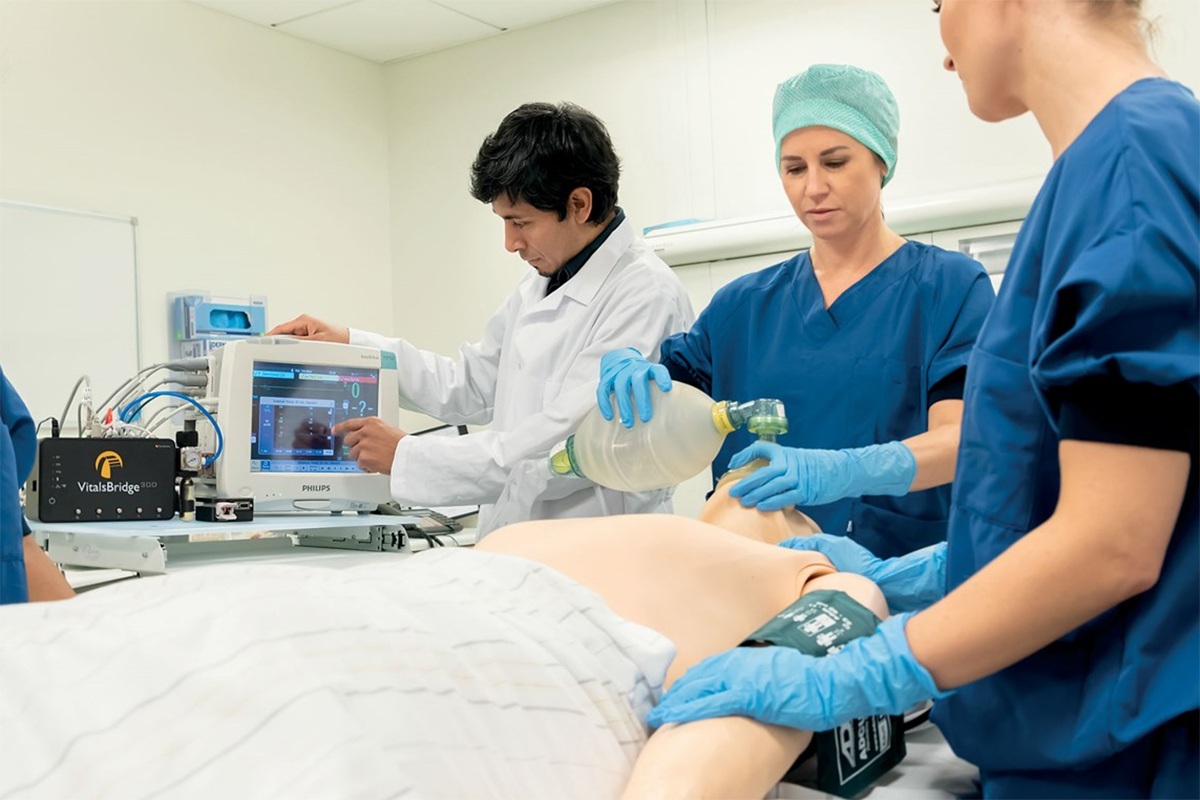
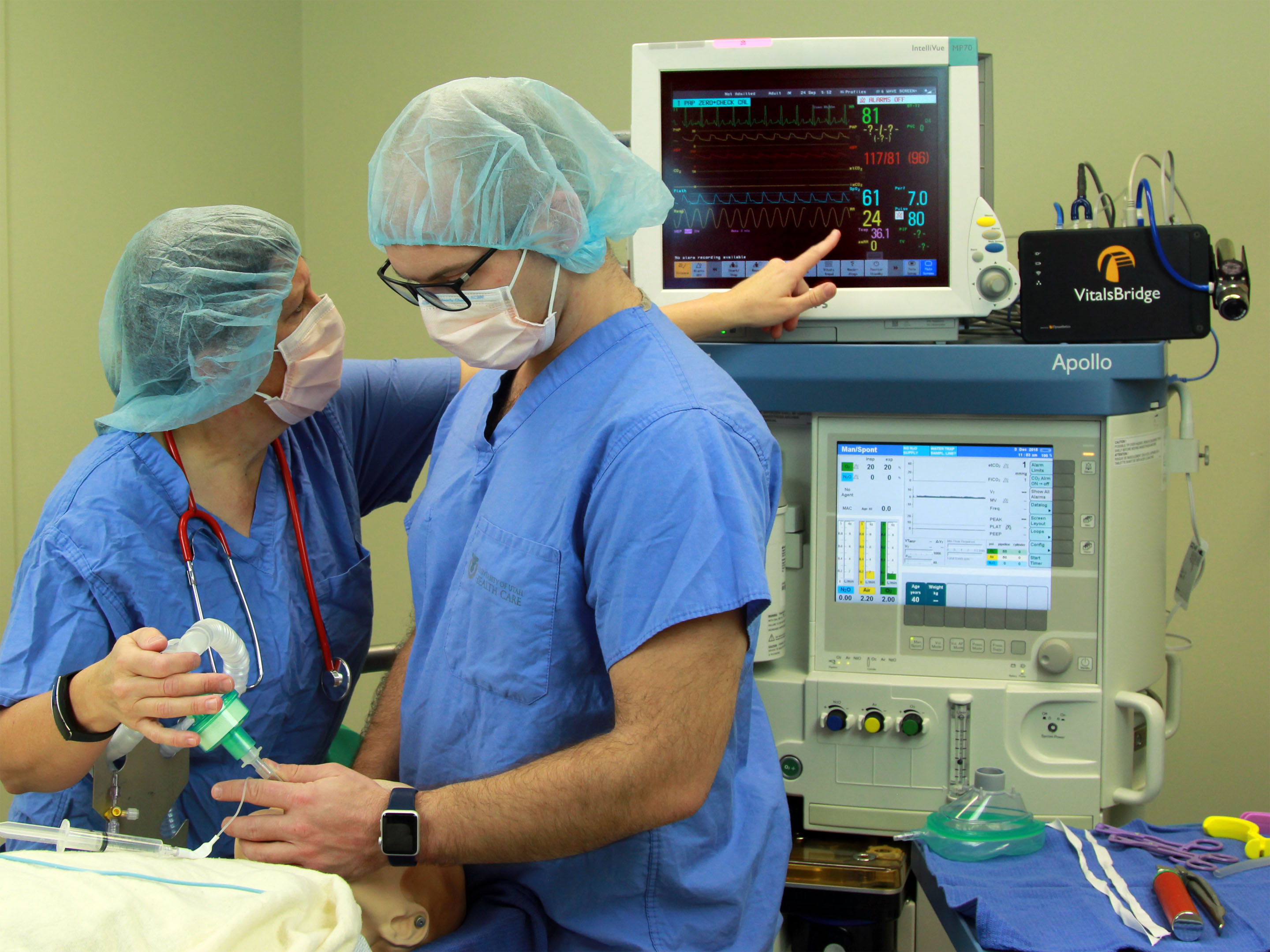
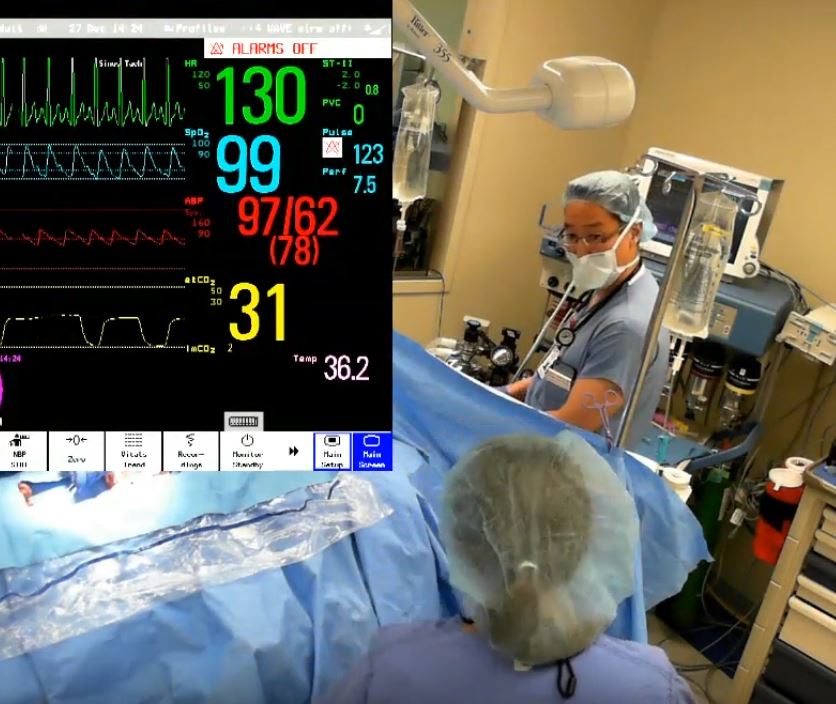
Use VitalsBridge during simulation training to present vital signs onto a commercially available patient monitor. By using the same patient monitor used in clinical practice, you can allow learners to interpret vital signs as they will in a real clinical setting and increase simulation realism.

The result is better-trained and more confident healthcare providers, reduced medical errors and increased efficiency.

VitalsBridge Models

Introducing the New VitalsBridge

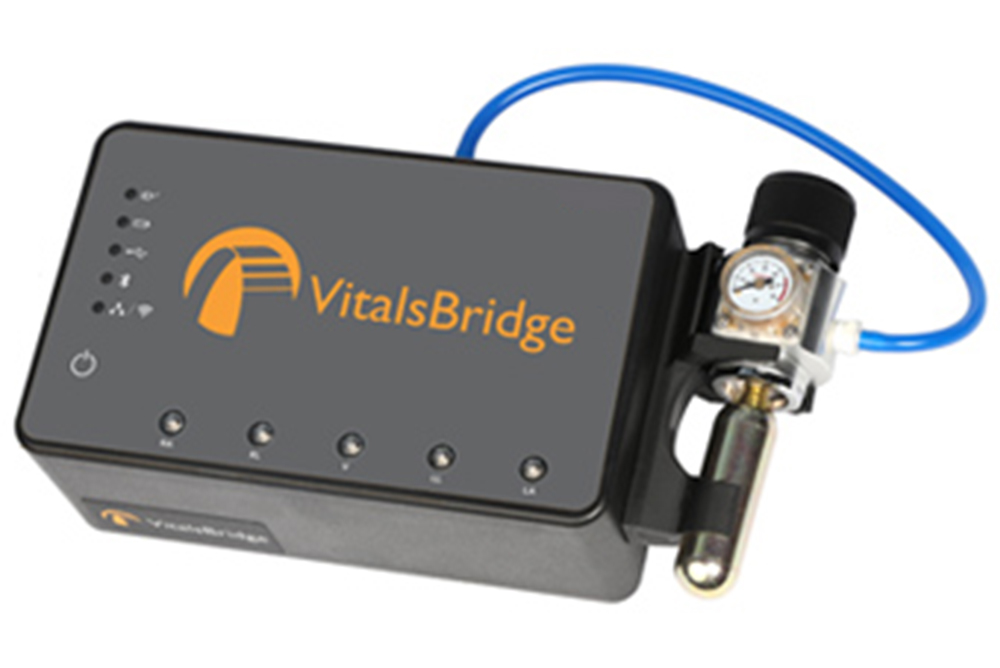
VitalsBridge offers upgraded, faster hardware components that now allow you to connect your device to control your vitals signs via Bluetooth LE and 5 GHz WiFi, in addition to ethernet, serial (USB), and 2.4 GHz WiFi. ​

New features include field firmware updates from the cloud, intracranial pressure (ICP), and improved oxygen saturation (SpO2) compatibility. VitalsBridge can be configured to add any of the following vital signs to meet your needs: ​

  • Additional temperature​
  • Invasive blood pressures ​
  • Arterial​
  • Central venous​
  • Pulmonary artery​
  • Pulmonary capillary wedge​
  • Intracranial pressure (ICP)
  • Electrocardiogram (5 lead) ​
  • Respiration rate​
  • Mainstream capnography​
  • Sidestream capnography​

Display simulated vital signs on any clinical monitor to bring your simulations one step closer to reality.

vitalsbridge4-beauty.jpg

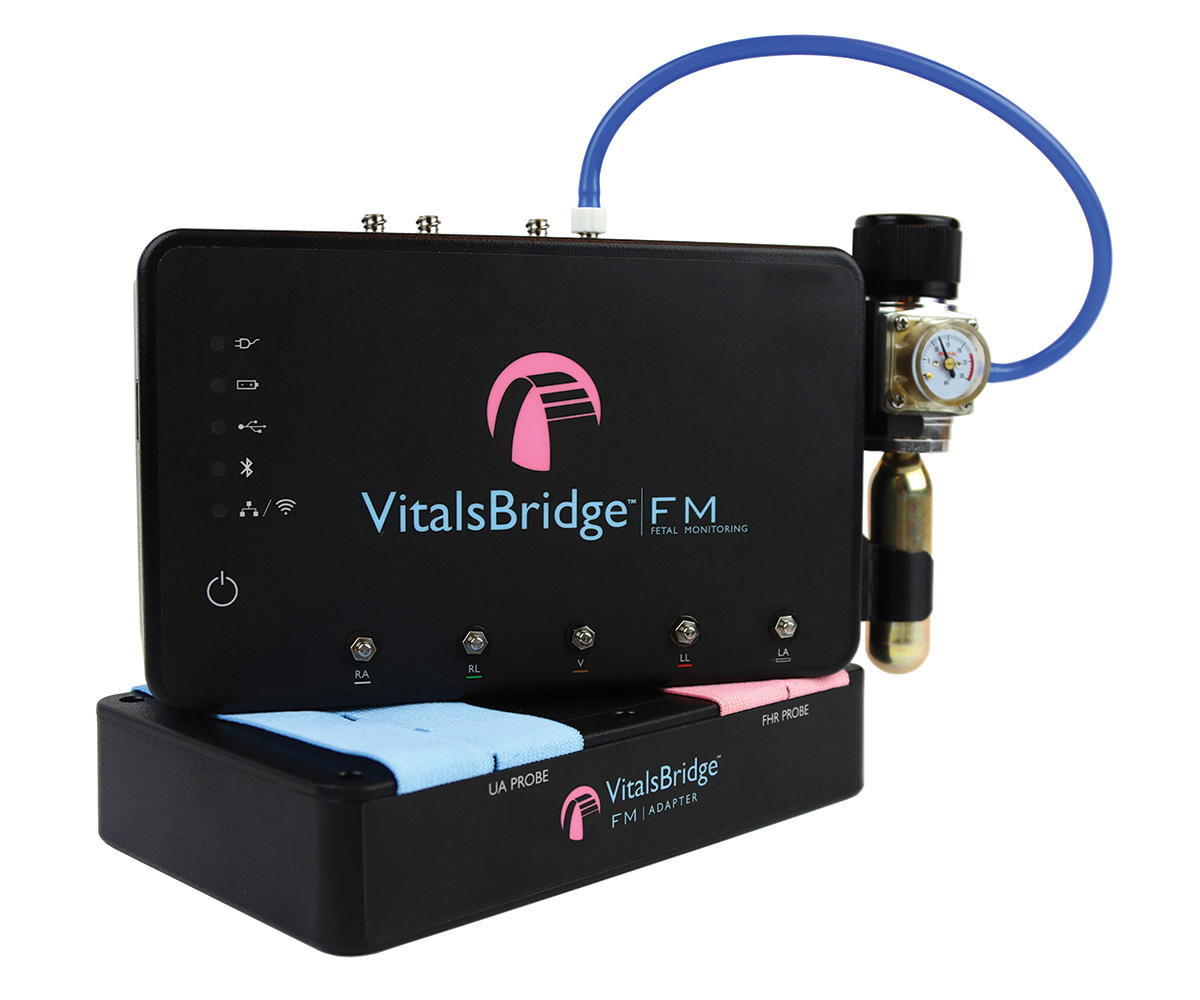
VitalsBridge FM

VitalsBridge™ FM

Now you can use real patient monitors in your obstetric labor and delivery simulations.  VitalsBridge FM allows you to view and interact with vital signs from both fetal and maternal patient simulators and a commercially available patient monitor, increasing simulation realism.

The following signals are supported:

  • Uterine Activity (Toco)
  • Fetal Heart Rate (Doppler Ultrasound)
  • Maternal Non-Invasive Blood Pressure
  • Maternal SpO2
  • Maternal ECG

Enhanced critical care simulations with realistic capnography for ACLS training

In cooperation with Dynasthetics

Dynastethics logo

VitalsBridge is 
manufactured by Dynasthetics

Compatibility & documentation

  • Compatible patient monitors
  • Compatible Laerdal Simulators
  • Specifications of VitalsBridge
  • 1-day implementation service
  • Extended warranty
  • Quick-start guides
  • How-to videos

Compatible patient monitors

Compatible patient monitors: 

VitalsBridge is compatible for use with the following monitor brands:

  • GE Healthcare
  • Philips
  • Zoll
  • Drager

Compatible Laerdal Simulators

Compatible Laerdal Simulators

You need LLEAP (PC operated) simulation software and one of the following Laerdal simulators to use VitalsBridge:

(Note: VitalsBridge is not compatible with simulators operated from SimPad or SimPad Plus)

Specifications of VitalsBridge

Specifications of VitalsBridge:

Features: VitalsBridge VitalsBridge FM
Temperature ✓ (2) -
Heart Rate
Respiration Rate (ECG impedence, capnography if applicable)
SpO2 Pulse Oximetry
Non-invasive Blood Pressure

ECG (3, 4, or 5 lead)
Capnography (end tidal CO2) Mainstream / Sidestream -
Arterial Blood Pressure -
Central Venous Pressure -
Pulmonary Artery Pressure/Pulmonary Capillary Wedge Pressure -
Intracranial Pressure -
Uterine Activity (TOCO) -
Fetal Heart Rate (Doppler Ultrasound -
Bluetooh LE/USB Serial Capable
VB4 connector SW, Compatible with iOS, Android and Windows
Wifi/ethernet Capable
LLEAP Software Interface Compatible
Battery, Portability & Backup

1-day implementation service

1-day implementation service available

Get the best start with VitalsBridge with our 1-day implementation service.

A Laerdal representative will spend one day to help you with:

  • On-site set-up of the VitalsBridge unit
  • Connection to the simulator and patient monitor
  • Software updates as needed
  • Test of functionality
  • Overview of VitalsBridge

Please, get in touch for more information. 

Extended warranty

Extended warranty

The VitalsBridge has a 1 year standard warranty.
Extended warranties may be purchased as an add-on to your VitalsBridge purchase.

Please, get in touch for more information. 

Quick-start guides

Quick-start guides for the VitalsBridge models

VitalsBridge Quickstart Guide

VitalsBridge FM Quickstart Guide

How-to videos

Bridge the gap between simulation and real clinical equipment. The VitalsBridge simulator interface makes it possible to use your own clinical patient monitor during simulation training.