Gå til indhold

SimCapture

Moving from On-Premise to Cloud

Moving from On-Premise to Cloud?

Making the switch from your existing SimCapture on-premise infrastructure to the cloud offers many benefits, including reduced complexity, flexible scalability, and improved security. But most importantly, it will help you better support both your learners and simulation program.

Our SimCapture Cloud+ Transition Program will help ensure seamless adoption. Laerdal’s team of specialists will work closely with you to:​

  • Assess your program needs, workflows, and long-term goals to architect your custom Cloud solution.
  • Develop a transition timeline to minimize downtime in your simulation center.
  • Deliver tailored services to ensure you are ready on day one to start using your Cloud system.
  • Transition your workflows and get the most out of the new functionality.

Why Choose a Cloud-based Platform?​

Organizations already using SimCapture Cloud are experiencing smoother workflows and expanded capabilities—including AI‑enhanced tools, LMS integration, inventory management, and peer‑to‑peer learning. Our focus is to empower programs with modern data, video, and security technologies so they can easily manage, capture, debrief, and assess every simulation session with confidence and efficiency.

Safe and Secure​

Your data security is our top priority. SimCapture adheres to the highest IT security standards, ensuring that all sensitive information is protected with robust encryption. We implement regular security audits and updates to safeguard your data against emerging threats. Additionally, it is the only cloud-based solution in the industry that is fully compliant with GDPR standards.

Continuous Enhancements Without Downtime​

SimCapture Cloud resides on Amazon Web Services (AWS) – hosted in your geographic area. The platform receives automatic updates every two weeks, including bug fixes and improvements, without any service interruption. We guarantee an uptime of at least 99.99% and consistent data integrity. In addition, cloud connectivity means that issues can be identified and often resolved before they are even reported.

Scalability​

The number of users can easily be adjusted without additional hardware costs. You also benefit from unlimited cloud storage for all data and videos.

Enhanced Collaboration in a Single Platform​

The multi-tenant database architecture offers enhanced features for collaboration. Connect networks between organizations and multiple centers or campuses for increased efficiency and standardization. The cloud also allows for integration with other tools (e.g., Learning Management Systems, LLEAP, SimPad).

Flexible Learning​

Remote, immediate, and secure access to all videos and assessments is possible from any device (tablet, workstation, smartphone) connected to the Internet and using a standard browser. Take advantage of new use models like peer-to-peer skills practice, self-recording assignments, telemedicine training, and remote OSCE functionality. Adapt to changing needs and support learners onsite, offsite, or in a hybrid environment.

Hardware-Free for Mobile Simulations​

Because it is hosted in the Cloud, SimCapture is the only solution capable of providing a complete simulation experience without any fixed equipment. With the SimCapture Mobile Camera app, capture transport cases, on-site and in situ simulations with your mobile device – while benefiting from full access to SimCapture functionalities from anywhere.

AI-Powered​

Save significant time on reviewing and assessing simulations with cutting-edge technology. AI features in SimCapture are designed to make your life easier. 

upike university
"We primarily used our on-premise system for OSCEs. Now that we have transitioned to SimCapture Cloud, we have expanded our use to include peer-to-peer scoring for ISAs. We are also looking into the Mobile Camera app and self-recording functionality to use SimCapture in other parts of our program."

- Danny Driskill
Director of Simulation, University of Pikeville-Kentucky College of Osteopathic Medicine

How Can SimCapture Cloud Help?

  • Leadership​
  • Sim Lab Staff
  • Faculty
  • IT & AV Specialists​

Leadership​

  • Overcome limited access to clinical sites and practice time with peer-to-peer training and remote learning opportunities to ensure your students get the documented high-quality experiences they need to transition to practice successfully.​
  • Simplify your pathway to accreditation with straightforward, automated reports showing inter-rater consistency, cross-course reporting, utilization, and more.​
  • Improve operational efficiencies to improve capacity and staff retention.

Sim Lab Staff

  • No more sim lab shutdowns - biweekly releases, bug fixes, and improvements will be rapidly deployed without any operational disruption.​
  • Stop creating and maintaining inventory spreadsheets. Manage assets and inventory with ease.​
  • Reduce workload and improve consistency - share your courses and curriculum across multiple campuses for increased efficiency and standardization.

Faculty

  • Increase efficiency by pre-assigning graders to evaluations prior to students completing them.​
  • More flexible releasing options for videos, grades, full evaluations, or comments, depending on what you want learners to have access to.​
  • With accessibility from anywhere, anytime, course and scenario experiences connect to learning objectives to meet program outcomes.

IT & AV Specialists​

  • No onsite data storage equipment means you do not need to replace expensive servers or take care of maintenance, making your costs more predictable.​
  • Multiple layers of security utilize the latest technology and best practices to ensure clients cannot access each other’s data and unauthorized users cannot access any data.  SimCapture offers multiple layers of load-balancing, redundancy, and fault tolerance. ​
  • Proactive support: cloud connectivity means that issues can be identified and often resolved before they are even reported.

New to SimCapture Cloud? We are helping you succeed​

We are committed to making your SimCapture Cloud experience seamless. In addition to your local Sales representative, you will have a team of people to help you along the way.​

hand-globe-icon.png

A Project Manager will guide you through the process of getting the cloud version of SimCapture implemented in your center. Your Project Manager will work closely with our AV Specialists who are skilled in IT, security, audiovisual, and networking to ensure all equipment is implemented and you are ready for success.

teacher-lesson-icon.png

Our expert Educational Team provides customized training (virtually or on-site) to help you take advantage of SimCapture functionality and workflows from day one.​

student-computer-icon.png

A dedicated Impact Manager will support you in achieving long-term success with SimCapture, increasing utilization and improving consistency. Most importantly, they will ensure that you are able to leverage data to impact program outcomes.

group-globe-icon.png

Our Customer Service and Technical Support teams help you stay operational and prolong the lifespan of your simulation equipment.

augusta-university-medical-partnership-logo.png
"They [Laerdal] were all very helpful and I felt taken care of during the implementation. Laerdal had us covered."

- Ginger Nix, PMP
IT Manager, AU/UGA Medical Partnership

Ready to Get Started?


The SimCapture Impact Management team will help you assess your simulation program needs and develop a plan to make the move to SimCapture Cloud.

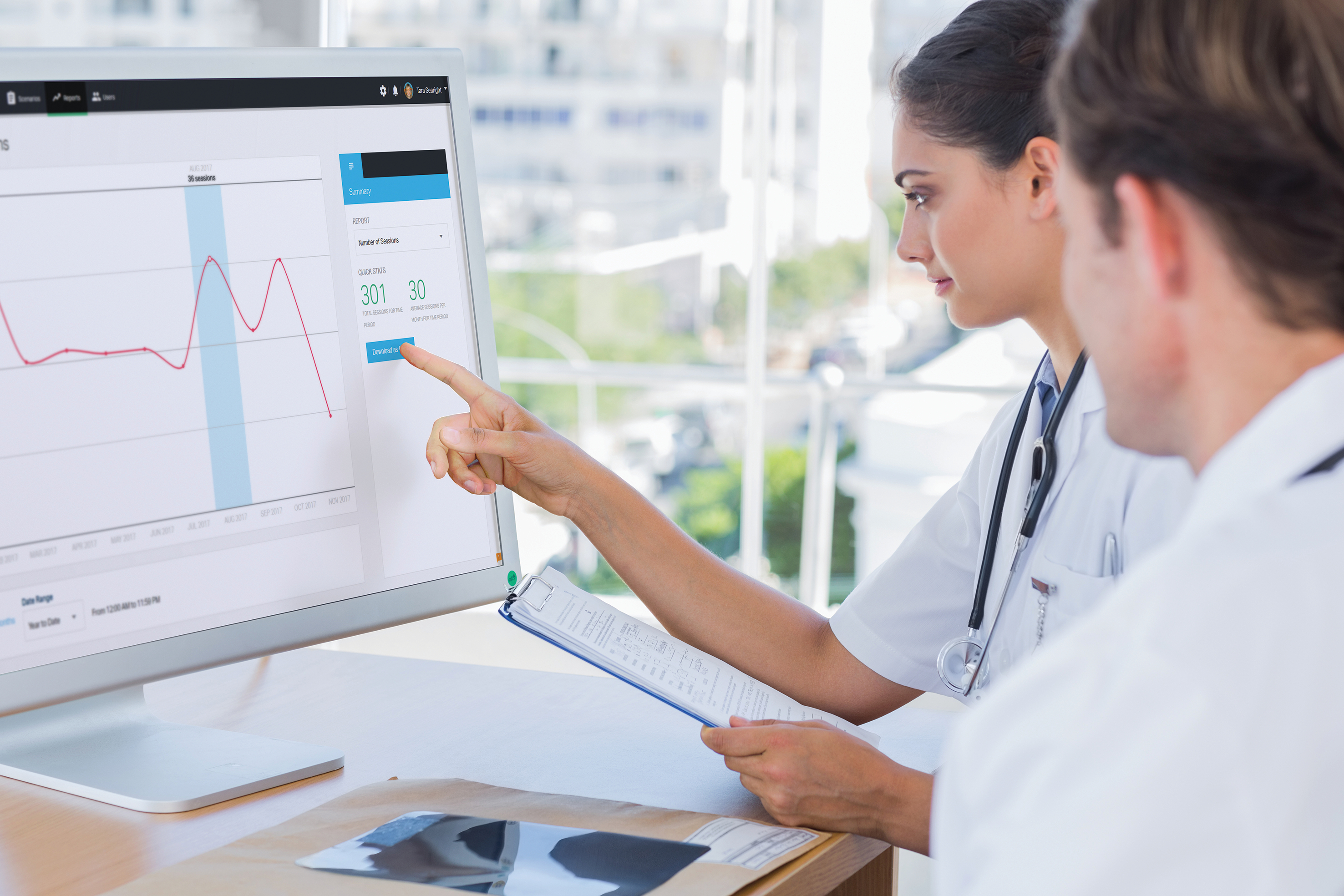
simcapture reporting

Interested in working with an Impact Manager?

We will handle your personal contact details with care as outlined in Laerdal's Privacy Policy.

We will handle your personal contact details with care as outlined in Laerdal's Privacy Policy.